Overview
Network design is the discipline of deciding what can reach what — and proving it, on paper and under load, before anything goes into production. My approach to it was shaped early: my first three years were spent doing carrier-grade network engineering for Pakistan's telecom sector — Telenor, Jazz, Zong, Ufone and Warid — where "mostly working" was never an acceptable state for a network. That discipline carries into every design I do today, cloud or on-premises.
Core Design Principles
- Segmentation first. Databases, admin planes, and public-facing workloads live in deliberately separate zones. A flat network is a single blast radius.
- Least-privilege paths. A route existing is a decision, not a default — every path between zones should be intentional and auditable.
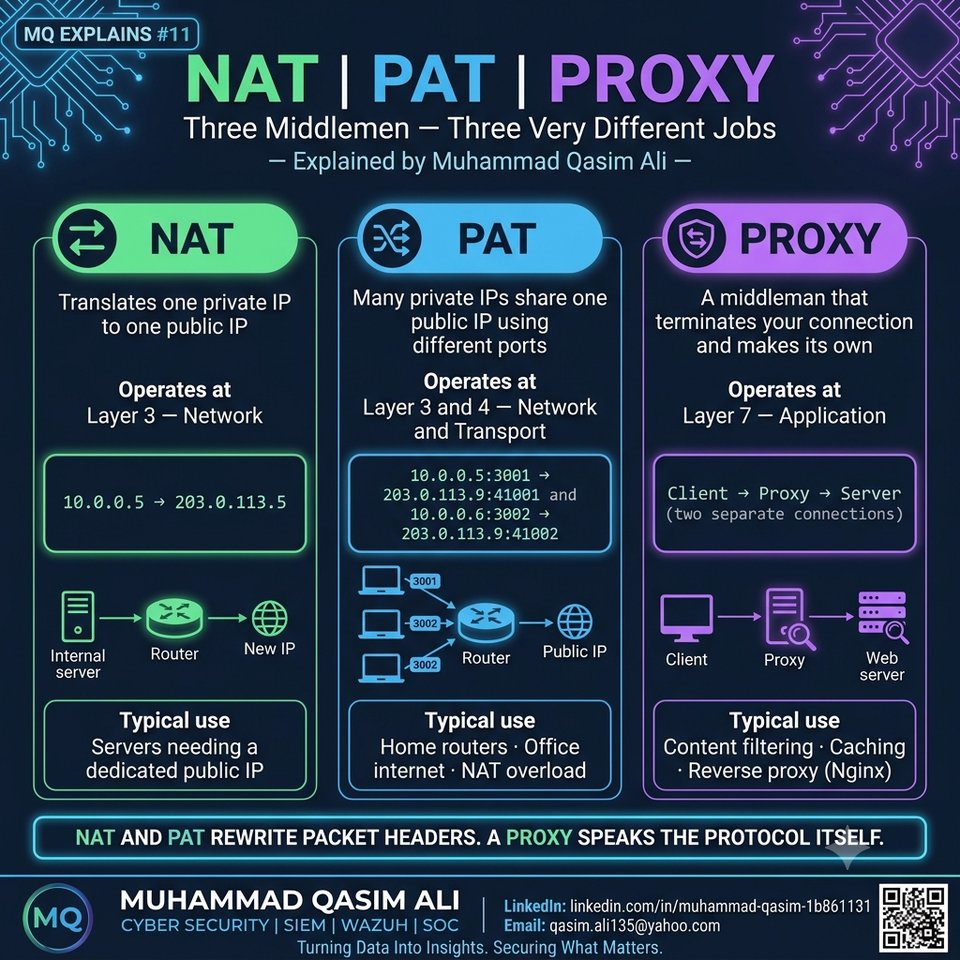
- Redundancy at every layer. Dual uplinks, HSRP/VRRP for gateway failover, multiple NAT paths — the network should survive the failure of any single device.
- Design for the failure case, not just the happy path. What happens when this link drops? That question shapes the topology before a single cable is run.
Multi-vendor routing and switching
Years of hands-on work across Cisco ASA, Juniper SRX, F5 BIG-IP, MikroTik and pfSense — configuring BGP, OSPF, EIGRP, static routing, VLANs, trunking, spanning tree, and gateway redundancy with HSRP/VRRP. Multi-vendor experience matters because real networks are never a single-vendor showroom — every environment is an integration problem.
Configuration Reference
Static routing (Linux host acting as a router)
# enable IP forwarding
sudo sysctl -w net.ipv4.ip_forward=1
echo "net.ipv4.ip_forward = 1" | sudo tee -a /etc/sysctl.conf

# add a static route to a remote subnet via a specific gateway
sudo ip route add 192.168.20.0/24 via 192.168.10.1 dev eth0

# persist it (Debian/Ubuntu netplan example)
# /etc/netplan/01-netcfg.yaml
#   routes:
#     - to: 192.168.20.0/24
#       via: 192.168.10.1
sudo netplan apply
VLAN + trunk configuration (Linux, 802.1Q)
# create a tagged VLAN interface on a trunk port
sudo ip link add link eth0 name eth0.100 type vlan id 100
sudo ip addr add 192.168.100.1/24 dev eth0.100
sudo ip link set eth0.100 up
Site-to-site IPSec VPN (the pattern behind my Terraform build)
# AWS side — Customer Gateway represents the on-prem firewall's public IP
aws ec2 create-customer-gateway \
  --type ipsec.1 --public-ip 203.0.113.10 --bgp-asn 65000

# Virtual Private Gateway attached to the VPC
aws ec2 create-vpn-gateway --type ipsec.1
aws ec2 attach-vpn-gateway --vpn-gateway-id vgw-xxxx --vpc-id vpc-xxxx

# the VPN connection itself, tied to both
aws ec2 create-vpn-connection \
  --type ipsec.1 --customer-gateway-id cgw-xxxx --vpn-gateway-id vgw-xxxx

# and the route that sends corporate-bound traffic through the tunnel
aws ec2 create-route --route-table-id rtb-xxxx \
--destination-cidr-block 10.0.0.0/8 --gateway-id vgw-xxxx10.0.0.0/8 → Virtual Private Gateway. Same concept, whether it's a Cisco ASA VPN at a telecom vendor or a Terraform module at Constellation.
Real Project: ISP Routing Failure Behind Cloudflare
Production subdomains for client platforms started failing intermittently — but only for certain networks. Root cause: when Cloudflare's proxy was toggled off for a subdomain, the direct path from some ISPs to the origin server's IP was broken, while the path to Cloudflare's edge network was fine. DNS resolution was succeeding; the network path underneath it was not — a good reminder that DNS answering correctly and the connection actually working are two different layers. Fix: re-architected the proxy and DNS behavior so traffic consistently rode through Cloudflare's edge rather than depending on ISP-specific routing to the origin.